8 April, 2026 • 8 min read
What Is a Talk Room? Video Chat Rooms Explained
Introduction: Daniel’s First Talk Room Experience
Daniel was an engineering student from Singapore with a fascination for technology and human behavior. One evening, while researching collaborative tools for remote learning, he stumbled upon Wakiee. He noticed a new feature called “Talk Rooms” — digital spaces where people from different parts of the world could join and discuss topics in real time.
Curious, Daniel joined a talk room titled “Future of Clean Energy.” Within seconds, he was in a virtual circle of five strangers — each from a different country. Someone shared their experience of installing solar panels in Africa; another discussed hydrogen batteries in Japan. It felt spontaneous yet organized, global yet intimate. When he left the session an hour later, Daniel realized he had just participated in the future of online communication — collaborative, educational, and human.
That’s what a talk room is: an interactive digital space for group video conversations. In 2026, talk rooms are used for casual discussion, learning, collaboration, language practice, and community interaction.
1. What Exactly Is a Talk Room?
A talk room is a virtual environment that allows multiple users to join a live video or audio conversation in real time. Think of it as a mix between a conference call, a podcast, and a global café — open, instant, and interactive.
Types of Talk Rooms
| Room type | Main purpose | Example topic |
|---|---|---|
| Open discussion | Casual conversation | Daily life and hobbies |
| Interest-based | Discuss a shared interest | Technology or music |
| Language exchange | Practice languages | English conversation practice |
| Learning | Share knowledge | Programming discussion |
| Community | Build social interaction | Shared hobbies |
1.1 The Evolution from Chatrooms to Talk Rooms
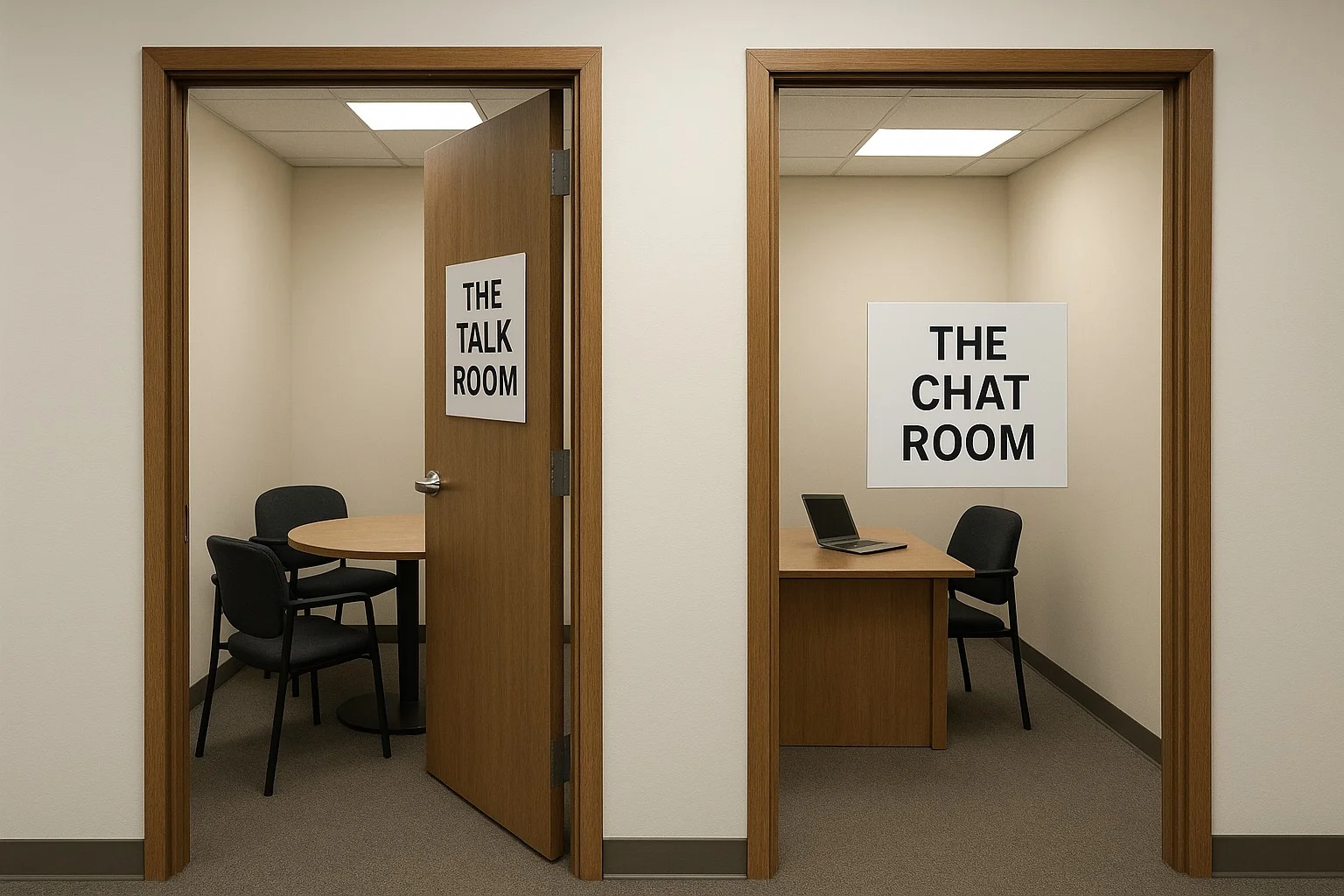
In the early 2000s, chatrooms were mostly text-based. People typed messages into public threads, often hidden behind usernames. Talk rooms evolved from that concept but use live video and voice instead of text, making interactions more authentic and engaging.
Unlike chatrooms, talk rooms don’t rely on typing or waiting for replies. They create a sense of shared presence — people can see, hear, and respond instantly. This transforms passive chat into active communication.
1.2 The Core Purpose
Talk rooms are designed for group discussion, learning, or collaboration. They can be topic-based (like “Language Practice” or “Music Exchange”) or open for free conversation.This platform’s talk rooms balance spontaneity with structure — open enough to welcome anyone, yet smart enough to ensure quality discussion through moderation.
How a Talk Room Connection Works
The user enters a room.
Connection information is exchanged.
Media paths are established.
Audio and video are exchanged.
2. How Talk Rooms Work — The Technology Behind the Connection
At their core, talk rooms depend on real-time communication technology. Modern systems such as WebRTC allow browsers to establish real-time audio and video connections. On Wakiee Rooms, users can join group conversations and discuss a range of topics.
2.1 Real-Time Peer-to-Peer Communication
When you join a talk room, your device establishes a connection with the room's communication infrastructure. Depending on the system architecture, media may use peer-to-peer connections, media servers, or a combination of both.
2.2 Scalable Cloud Infrastructure
This platform uses cloud-based media servers for group sessions. This helps even when multiple users join, the experience remains stable. Adaptive bitrate streaming adjusts video quality in real time, ensuring smooth playback across devices.
2.3 End-to-End Encryption
Talk-room privacy depends on the encryption and communication architecture used by the service. Users should review the platform's privacy and security documentation to understand how media is transmitted and whether any data may be processed or retained.
3. Why Talk Rooms Matter in 2026
As online interaction grows, people are craving genuine, multi-perspective conversation. Talk rooms meet that need by offering dynamic spaces for discussion — without the negativity often found on social media or the pressure of curated platforms.
3.1 Breaking Isolation
Many remote workers and students spend their days alone at screens. Talk rooms bring back the social side of the internet — spontaneous laughter, live debate, and shared enthusiasm. It’s human connection, amplified by technology.
3.2 Building Cultural Intelligence
When you join a global talk room, you don’t just hear opinions — you learn context. A simple topic like “daily breakfast habits” can reveal insights into culture, lifestyle, and perspective. Over time, these conversations build empathy and global understanding.
3.3 Collaboration & Learning
From students working on shared research to hobbyists exploring new skills, talk rooms enable real-time learning. They’re essentially digital classrooms without boundaries — diverse, inclusive, and powered by curiosity.
4. Wakiee’s Talk Rooms — A New Standard for Safe, Intelligent Communication
This platform isn’t just another random chat platform. Its talk rooms are purpose-built to make global group communication safe, smart, and meaningful.
4.1 AI-Powered Moderation
This platform’s AI engine continuously monitors public sessions for inappropriate content. It doesn’t spy — it safeguards. The AI analyzes behavior patterns and language tone in real time to ensure discussions remain civil and inclusive.
4.2 Privacy-First Design
Unlike services that require accounts or profiles, some browser-based talk rooms allow users to join with fewer onboarding steps. Users should still review the service's privacy policy to understand what technical information may be processed during a session.
4.3 Seamless Multi-Device Access
This platform’s talk rooms are web-based, meaning no app downloads, no installations. Whether on a phone, tablet, or desktop, the interface adapts automatically, making participation frictionless.
5. 1v1 Chat vs Talk Rooms
Both formats can be useful, but they solve different communication problems.
| Factor | 1v1 Chat | Talk Room |
|---|---|---|
| Participants | Two | Multiple |
| Conversation style | Direct and focused | Group discussion |
| Number of perspectives | Usually one other perspective | Several perspectives |
| Turn-taking | Generally simpler | Requires more coordination |
| Best suited for | Personal conversation and language practice | Discussion, communities and knowledge sharing |
| Moderation needs | Individual reporting and blocking | Participant and room-level moderation |
6. Technical Challenges of Group Video Chat
Group communication is technically more demanding than a simple one-to-one call because the system has to coordinate multiple participants and media streams.
6.1 Audio Management
When several microphones are active, background noise and overlapping speech can make conversations difficult to understand. Echo cancellation, noise suppression and microphone controls can improve the experience.
6.2 Video Layout
A room needs to display several participants while remaining usable on different screen sizes. A good interface should adapt when participants join, leave or change their camera state.
6.3 Network Conditions
Participants may have very different internet speeds. Adaptive media techniques can help maintain a usable connection when bandwidth changes.
6.4 Server Capacity
As room activity increases, the infrastructure may need additional resources to handle signaling, media routing, room state and other services.
6.5 Mobile Constraints
Phones have smaller screens, changing network conditions and limited battery compared with desktop computers. Mobile-friendly room interfaces therefore need to prioritize controls and media layout carefully.
6. Technical Challenges of Group Video Chat
Group communication is technically more demanding than a simple one-to-one call because the system has to coordinate multiple participants and media streams.
6.1 Audio Management
When several microphones are active, background noise and overlapping speech can make conversations difficult to understand. Echo cancellation, noise suppression and microphone controls can improve the experience.
6.2 Video Layout
A room needs to display several participants while remaining usable on different screen sizes. A good interface should adapt when participants join, leave or change their camera state.
6.3 Network Conditions
Participants may have very different internet speeds. Adaptive media techniques can help maintain a usable connection when bandwidth changes.
6.4 Server Capacity
As room activity increases, the infrastructure may need additional resources to handle signaling, media routing, room state and other services.
6.5 Mobile Constraints
Phones have smaller screens, changing network conditions and limited battery compared with desktop computers. Mobile-friendly room interfaces therefore need to prioritize controls and media layout carefully.
7. Educational and Professional Uses of Talk Rooms
Talk rooms can support several types of collaborative activity when participants have a clear purpose and appropriate moderation.
7.1 Language Exchange
Language learners can use live rooms to practice listening and speaking with other participants. Group settings can expose learners to different accents, speaking styles and vocabulary.
7.2 Study Discussions
Students can use discussion rooms to exchange explanations, ask questions and discuss topics outside a traditional classroom.
7.3 Brainstorming
Small teams can use live rooms to discuss ideas and receive immediate feedback from other participants.
7.4 Knowledge Sharing
Interest-based rooms can bring together people with different levels of experience. Participants can share examples, ask questions and compare approaches.
7.5 Community Discussions
Rooms can provide a more interactive format for communities that would otherwise communicate through text-only posts.
Talk Room Use Cases
| Use case | Why a room can help | Useful feature |
|---|---|---|
| Language practice | Hear and speak with multiple people | Voice/video |
| Study discussion | Exchange explanations and questions | Room chat |
| Brainstorming | Several participants can contribute ideas | Mute controls |
| Community discussion | Shared conversation around a topic | Moderation tools |
| Casual socializing | Meet several people in one session | Easy room joining |
8. Safety and Etiquette in Talk Rooms
Group communication requires more than technical reliability. Participants also need clear expectations about privacy, behavior and moderation.
8.1 Do Not Share Sensitive Information
Avoid sharing passwords, OTPs, financial information, government identification numbers, home addresses or other sensitive information with strangers.
8.2 Respect Other Participants
Do not interrupt repeatedly, harass participants or intentionally disrupt a discussion.
8.3 Use the Microphone Responsibly
Mute your microphone when you are not speaking if background noise is interfering with the discussion.
8.4 Report Serious Problems
If a platform provides reporting tools, use them when another participant violates the community rules or behaves inappropriately.
8.5 Remember That Rooms Are Not Automatically Private
Joining a room with a limited number of participants does not mean everything said or shown should be treated as confidential. Avoid discussing information that you would not want strangers to know.
8. Safety and Etiquette in Talk Rooms
Group communication requires more than technical reliability. Participants also need clear expectations about privacy, behavior and moderation.
8.1 Do Not Share Sensitive Information
Avoid sharing passwords, OTPs, financial information, government identification numbers, home addresses or other sensitive information with strangers.
8.2 Respect Other Participants
Do not interrupt repeatedly, harass participants or intentionally disrupt a discussion.
8.3 Use the Microphone Responsibly
Mute your microphone when you are not speaking if background noise is interfering with the discussion.
8.4 Report Serious Problems
If a platform provides reporting tools, use them when another participant violates the community rules or behaves inappropriately.
8.5 Remember That Rooms Are Not Automatically Private
Joining a room with a limited number of participants does not mean everything said or shown should be treated as confidential. Avoid discussing information that you would not want strangers to know.
How to Choose the Right Talk Room
The best room depends on what you want from the conversation. Instead of choosing only based on the number of users, consider the topic, room structure, moderation and privacy information.
| If you want... | Look for... |
|---|---|
| Casual conversation | Open rooms with clear community rules |
| Language practice | Language-specific rooms and active voice participation |
| Learning | Topic-focused rooms with organized discussion |
| Small-group discussion | Participant controls and manageable room sizes |
| Privacy | Clear privacy and data-retention information |
| Safety | Reporting, moderation and participant-management tools |